
Latest Version
United World Telecom L.C.
Communication
Windows
Free
9p886wb6cwn4
Report a Problem
More About GCF Softphone
A Seamless Virtual Desktop Calling Experience
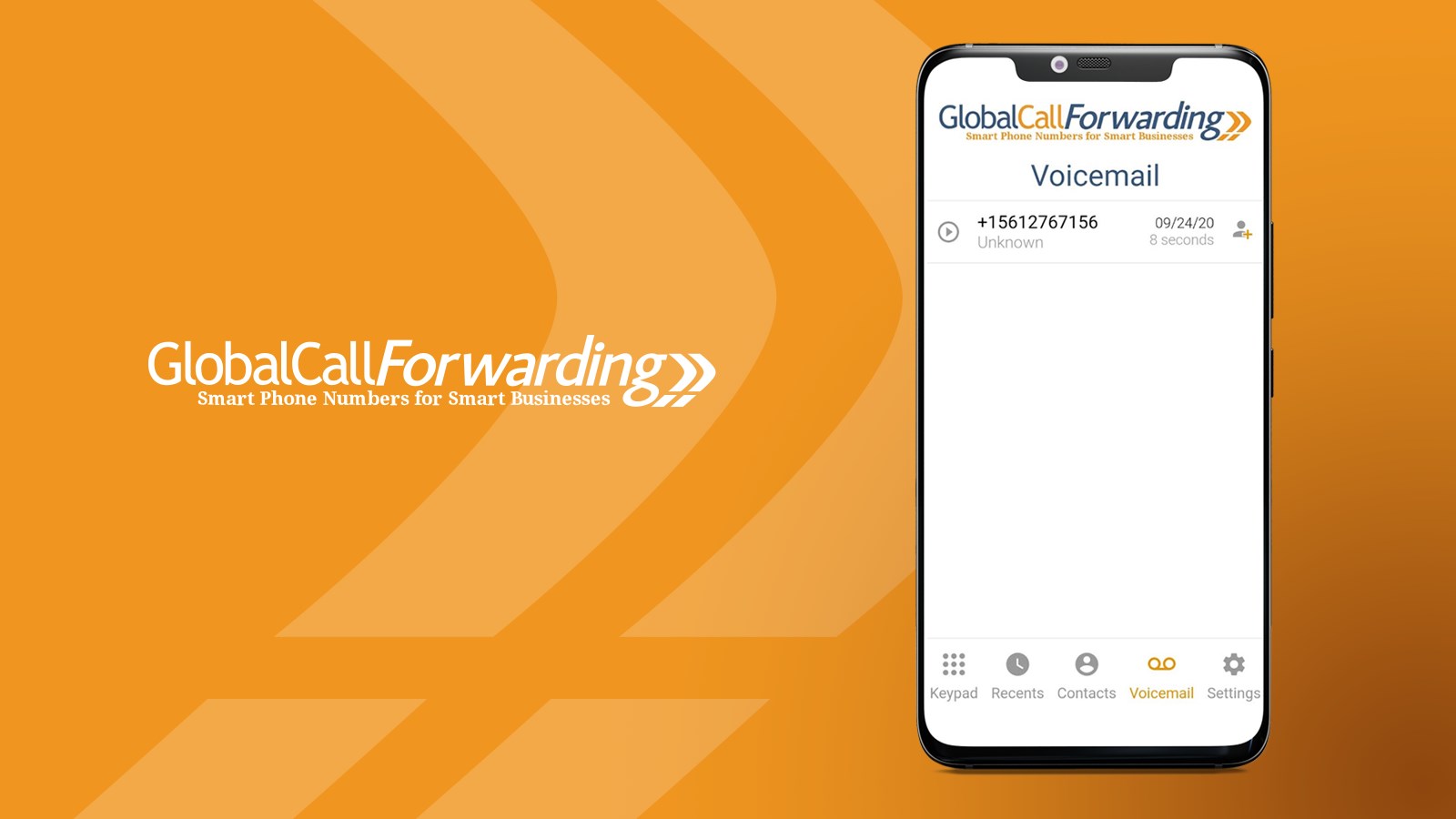
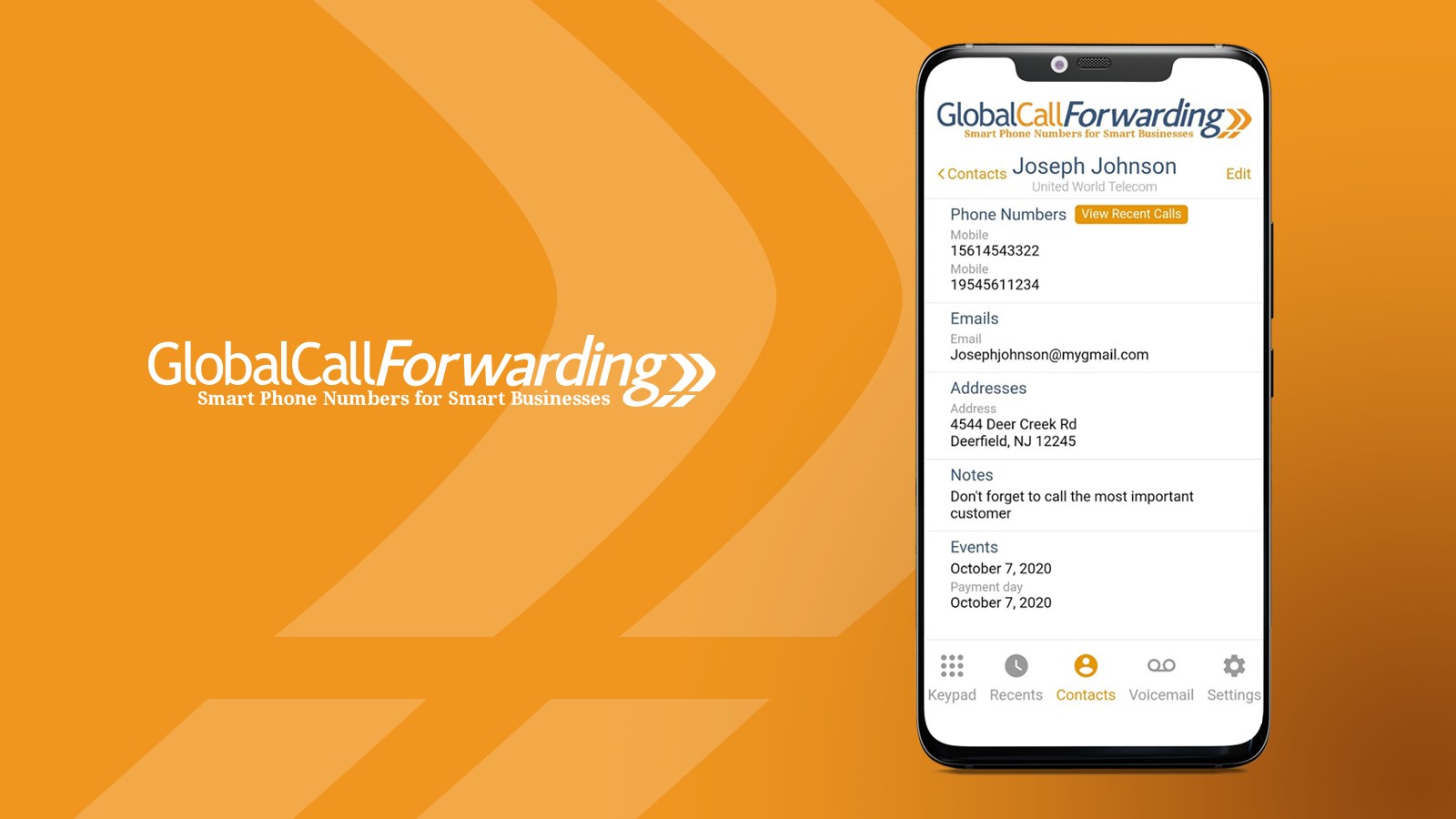
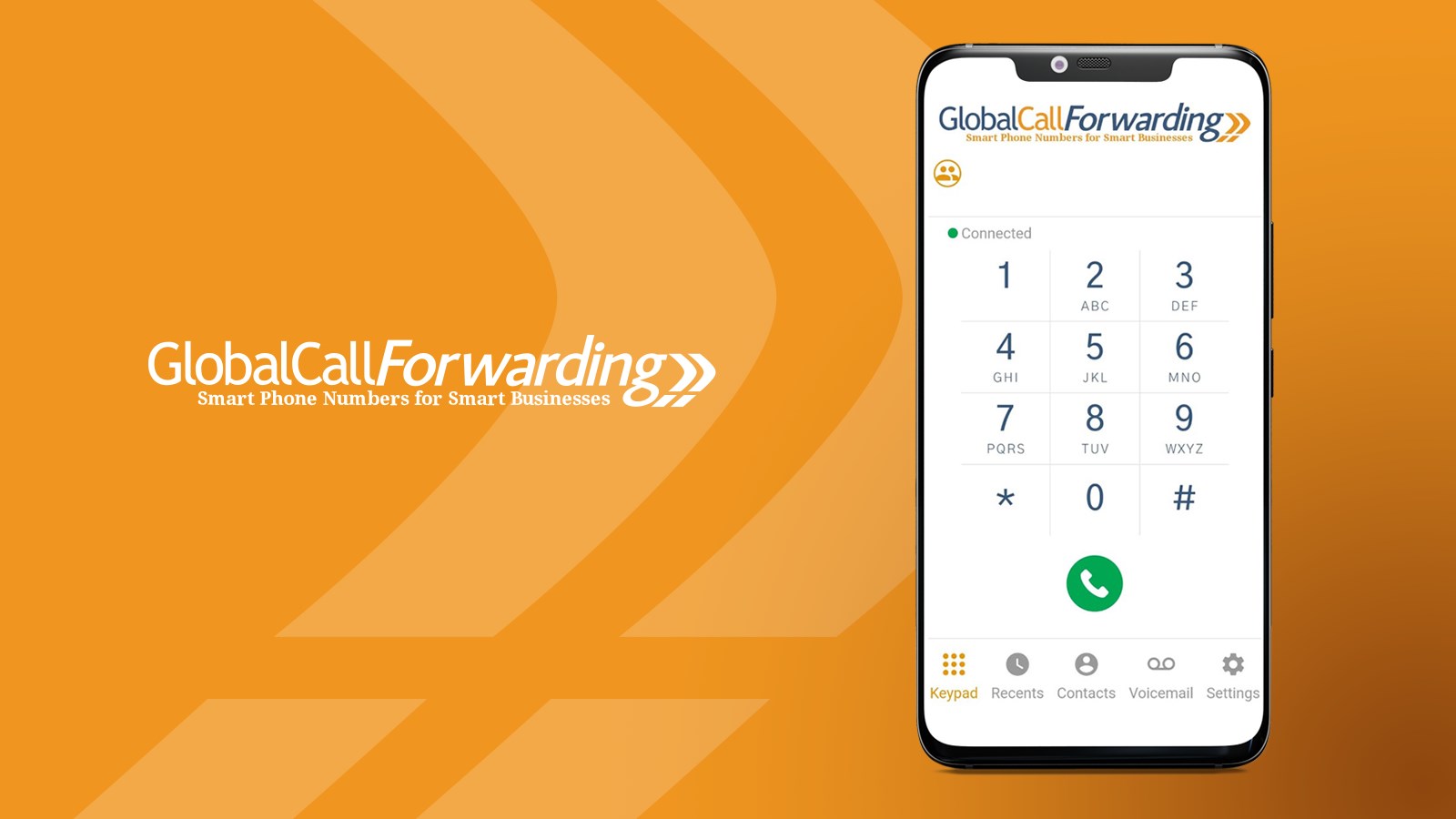
Managing international business communications from a desktop often comes with hardware hurdles and complex setup procedures. The GCF Softphone international business calling application by United World Telecom L.C. aims to eliminate these bottlenecks. Built specifically for Windows, this cloud-based dialer turns your PC into a fully functional communication hub, allowing teams to manage global conversations without dedicated desk phones.
Key Features of GCF Softphone
- Global Number Management: Access local and toll-free virtual numbers in over 150 countries to establish a localized presence anywhere in the world.
- HD Voice Quality: Benefit from high-definition VoIP audio that ensures clear, professional communication with clients and partners.
- Seamless Call Handing: Utilize warm transfers to route live calls to colleagues efficiently, minimizing customer wait times.
- Secure Cloud Recording: Document conversations for compliance, quality control, and training purposes.
- Outbound Caller ID Control: Present a localized or corporate phone number on outbound dials to boost answer rates.
- Enterprise Integrations: Connect your calling system directly to popular CRMs and productivity tools like Salesforce, HubSpot, and Microsoft Teams.
Who is This Windows Softphone For?
The GCF Softphone international business calling software is engineered for multinational corporations, remote customer support teams, and sales representatives who require a reliable virtual office setup. Because it runs directly on Windows devices, it is highly suited for professionals who prefer working with a headset and a keyboard rather than toggling between a mobile device and a desktop screen.
System Requirements and Access
To use this software, users must have an active subscription or an inbound-only PIN through United World Telecom. It is a highly optimized corporate tool designed for businesses seeking to modernize their telecom stack without investing in heavy infrastructure.
If you want to upgrade your desktop calling capabilities, you can read more and find the application on the official Microsoft Store.
Rate the App
User Reviews






Popular Apps









Editor's Choice