Latest Version
FIPLAB Ltd
Tools
Mac
Free
1033808943
Report a Problem
More About Delete Apps: Uninstaller
If your Mac is running low on storage or starting to feel sluggish, the culprit is often leftover digital clutter. The Delete Apps: Uninstaller app by FIPLAB Ltd is a dedicated tool designed to solve this exact problem by thoroughly removing applications and all their associated support files from your macOS system.
Why Use Delete Apps: Uninstaller?
When you drag an application to the Trash on a Mac, you only remove the core executable file. Gigabytes of hidden caches, preference files, container logs, and application support folders often remain buried deep within your library directories. The Delete Apps: Uninstaller app scans your system to identify these orphaned files, ensuring a complete and deep cleanup rather than a superficial surface-level wipe.
Key Features for a Cleaner Mac
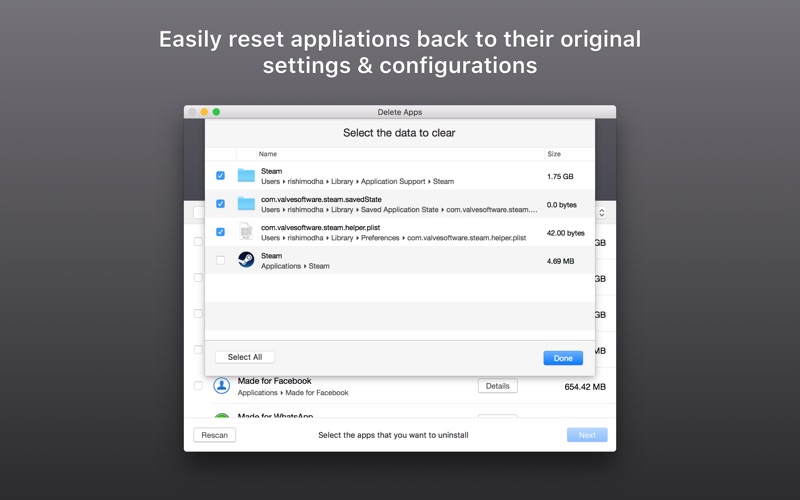
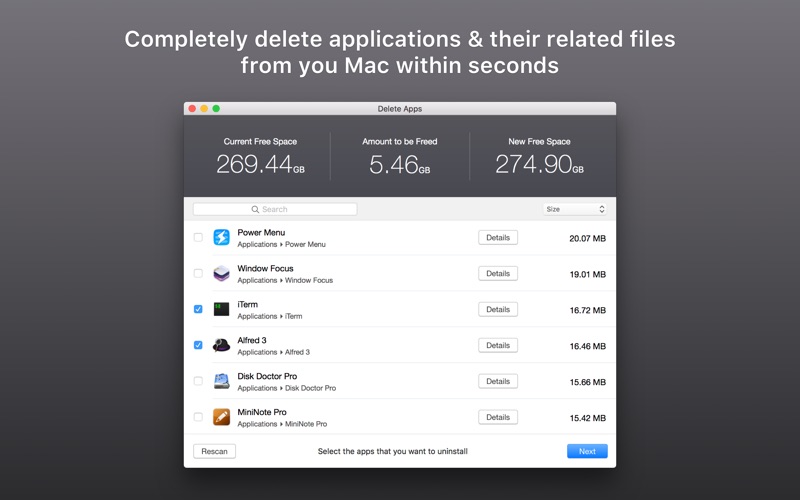
- Comprehensive File Detection: It tracks down hidden container files, logs, preferences, and cache directories associated with any application you wish to remove.
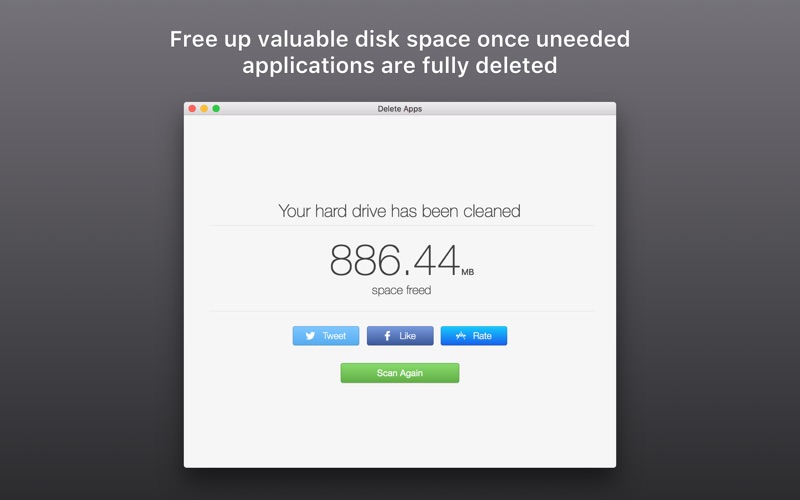
- Visual Space Indicators: See exactly how much storage space you will reclaim before you commit to deleting any files.
- Granular Control: View a detailed breakdown of all associated files and choose to delete exactly what you want, keeping control in your hands.
- Search and Sort: Quickly locate specific programs using the built-in search bar, and sort your application list by size or name to target space-hogging software first.
Navigating Sandbox Restrictions
Due to Apple's strict macOS sandboxing security guidelines, some system-level applications cannot be automatically deleted. When Delete Apps encounters these restrictions, it does not simply give up. Instead, the utility intelligently guides you to the exact file paths, allowing you to manually remove the restricted files quickly and safely.
Reclaim Your Storage Space Today
Whether you want to speed up your Mac's performance or simply clean up your application folder, this free utility offers a straightforward, transparent solution with no hidden charges. To start optimizing your storage, check out the Delete Apps: Uninstaller app on the official Mac App Store.
Rate the App
User Reviews







Popular Apps








Editor's Choice